๐Ÿ‡ฆ๐Ÿ‡บ Australian Engineered & Owned

Access just got
smarter with
Buckko Locks.

Blending Aussie-designed style, security and convenience for your home, rental or business โ€” every door, controlled from your phone.

โœ“ Works with Alexa & Google Home
โœ“ No monthly fees
โœ“ Australian support
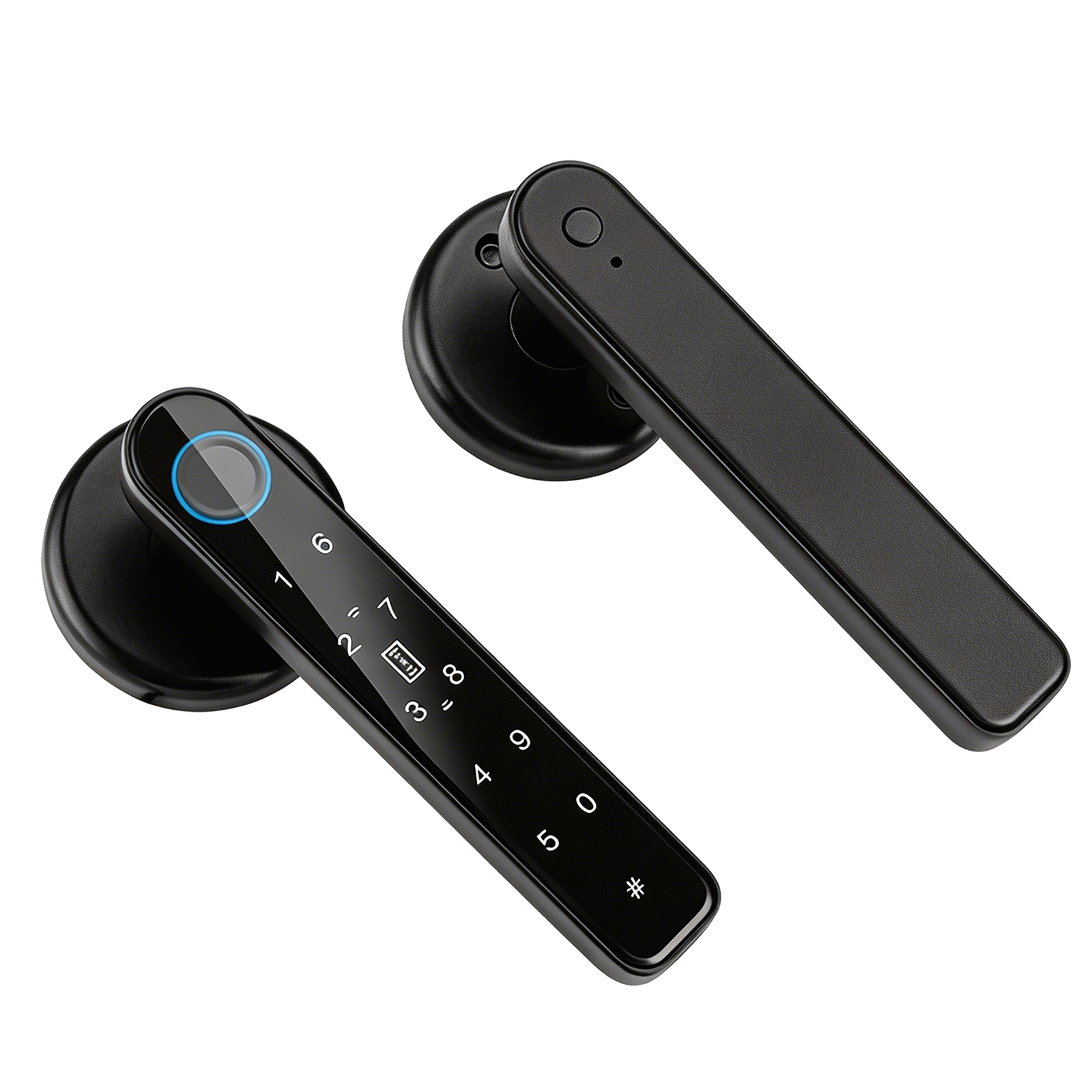
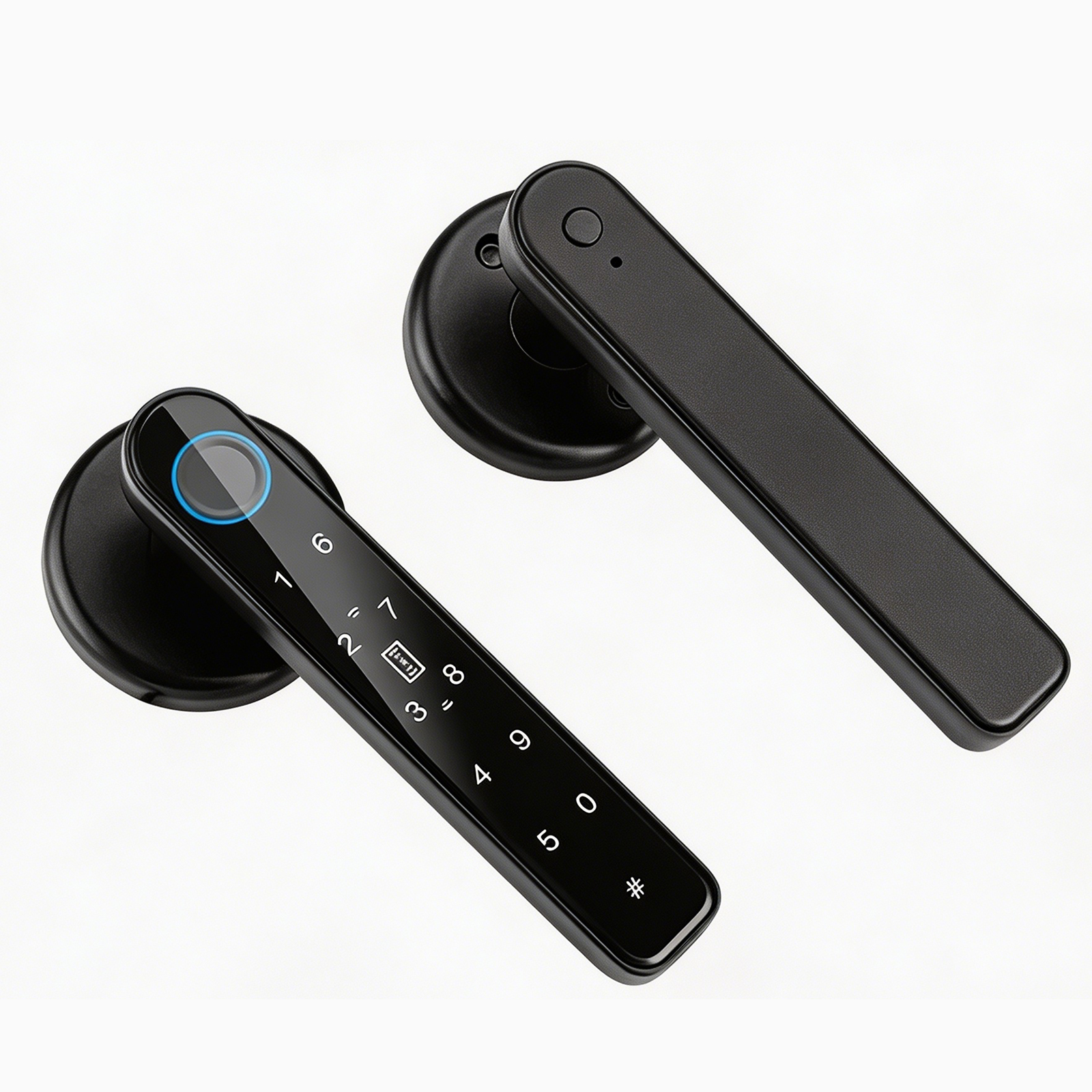
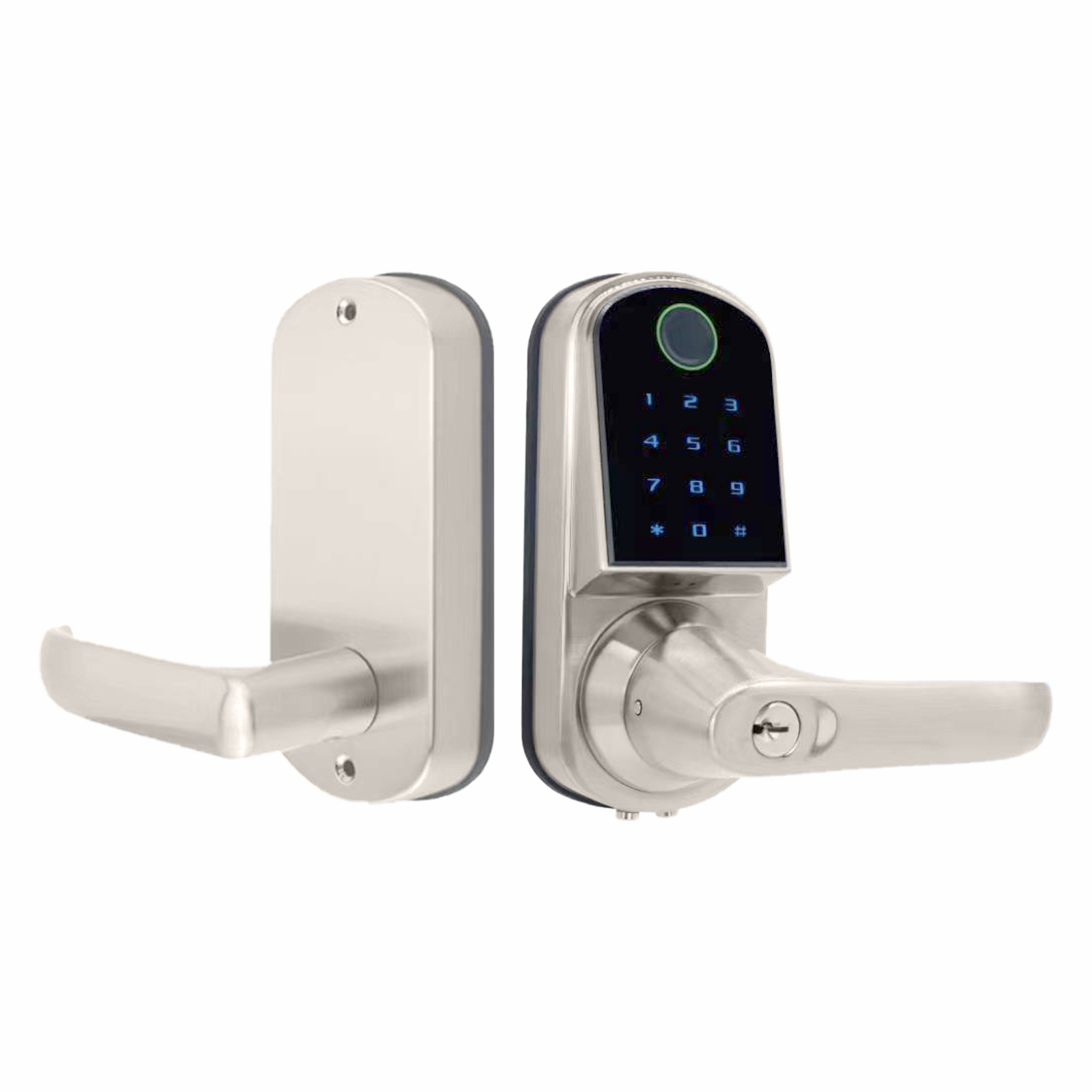
Buckko smart lock with fingerprint and keypad access
100%
Wireless Control
23+
Languages Supported
24/7
Access Anywhere
AES
256-bit Encryption
Our Range

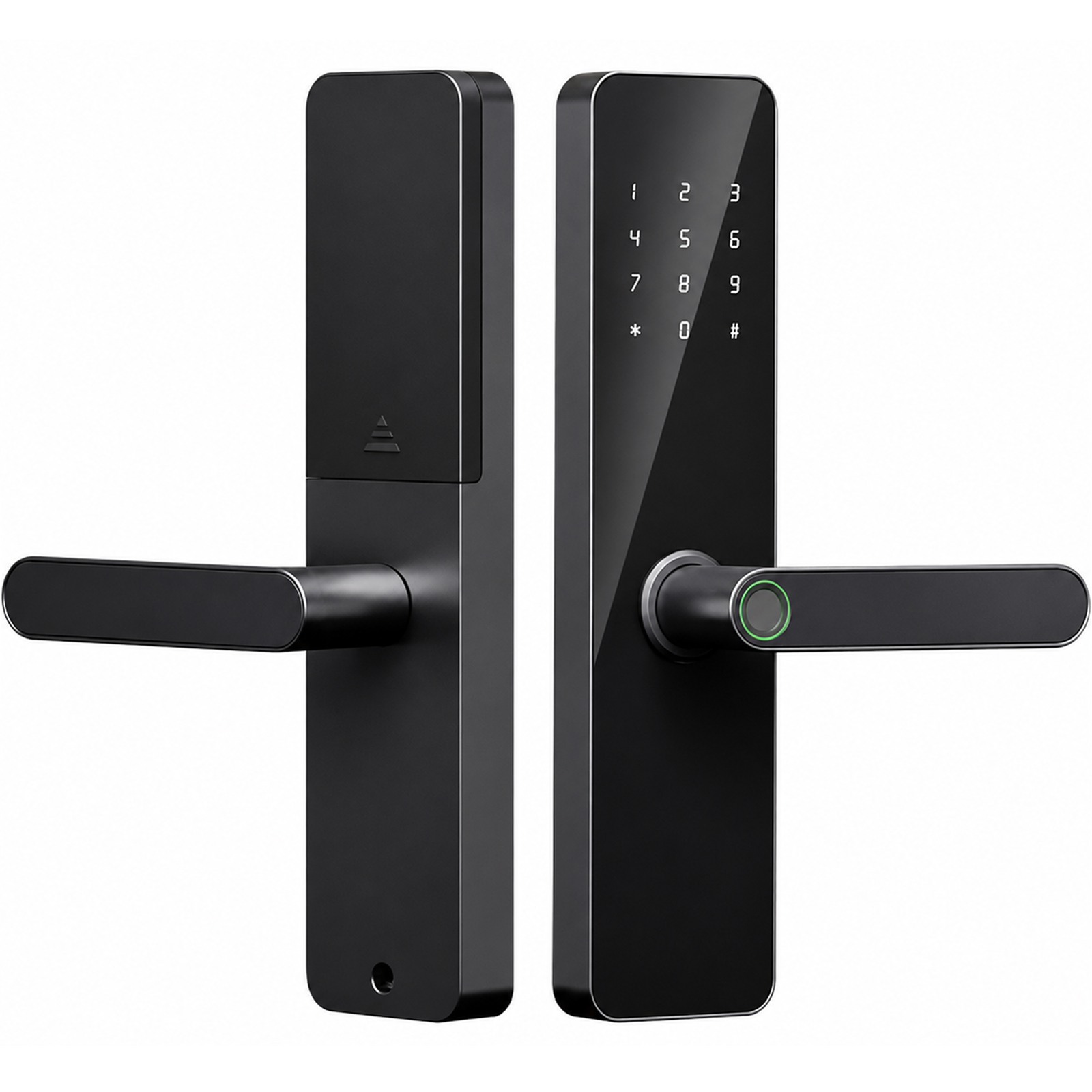
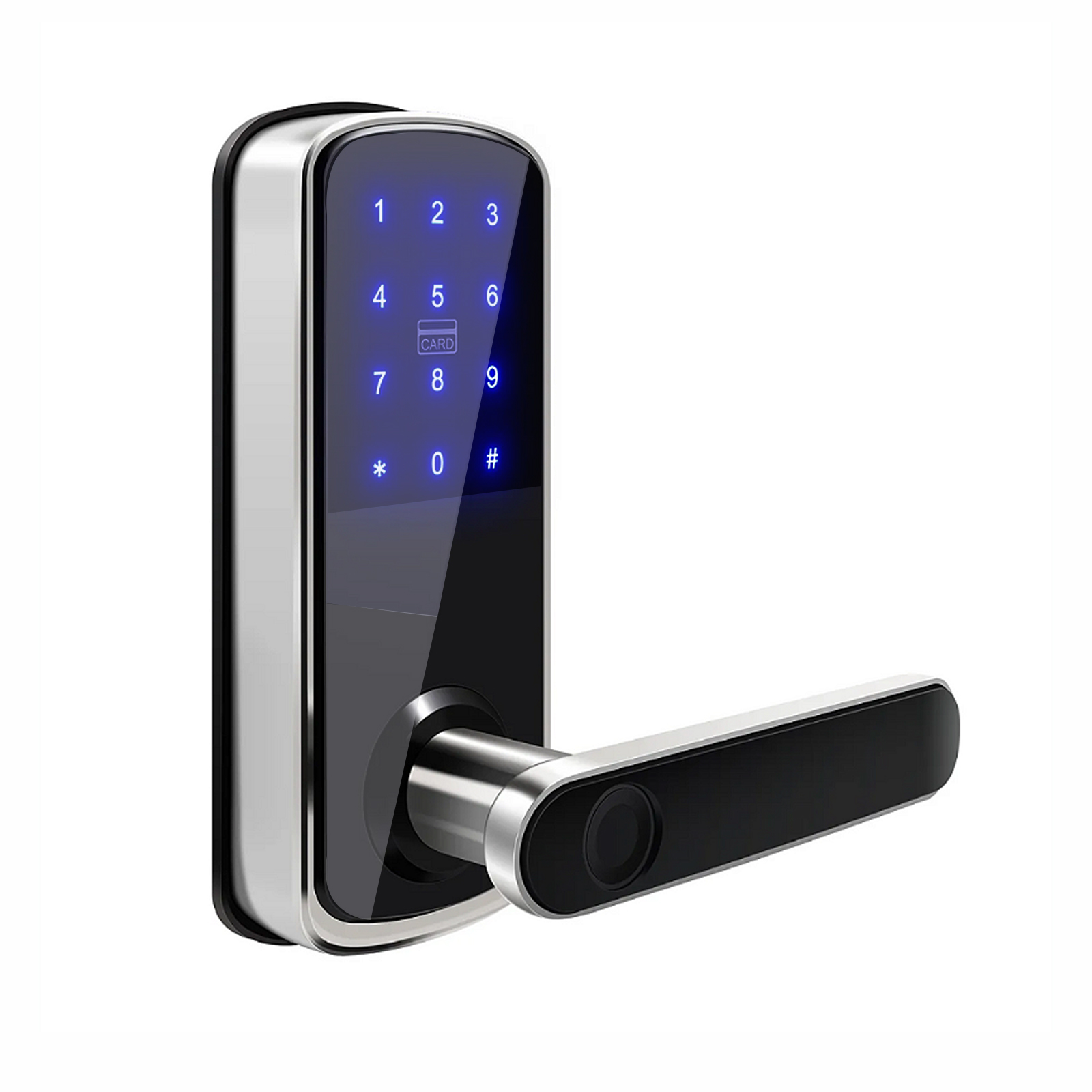
Smart locks for every door

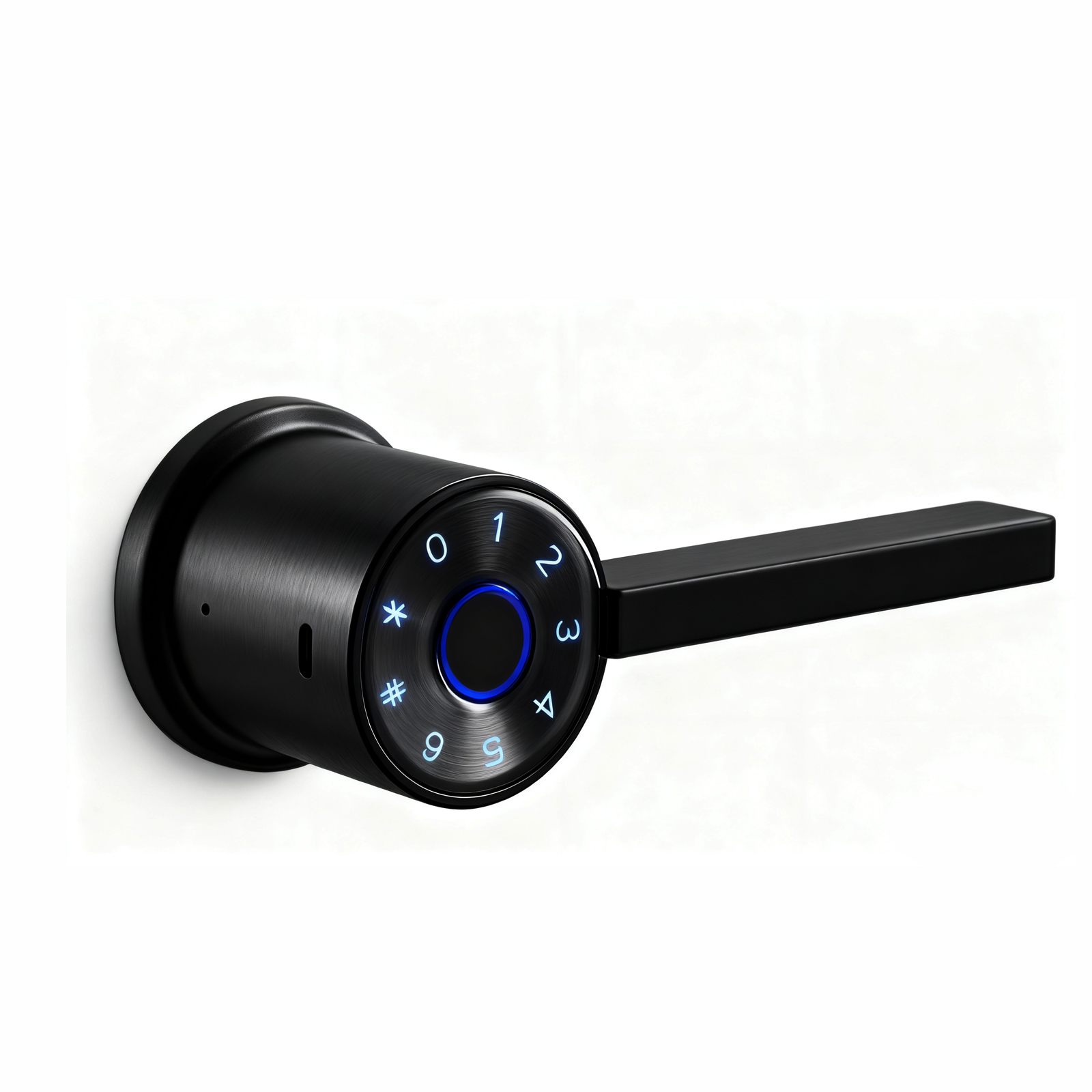
From keypad knobs to lever locks, safes and Wi-Fi gateways โ€” all controlled from one app.

Features

Everything you need to manage your locks

One app. Complete control over every lock at every property.

๐Ÿ“ฑ

Remote Control

Lock or unlock your doors from anywhere in the world using your smartphone. Real-time status updates always.

๐Ÿ”‘

Share Digital Keys

Send timed or permanent access keys to family, cleaners, or guests. Revoke access instantly at any time.

๐Ÿ“‹

Full Access Log

See exactly who entered, when, and how. Complete event history for every lock on your property.

๐ŸŽค

Voice Control

Works with Amazon Alexa and Google Home. Just say the word โ€” your lock responds instantly.

๐Ÿ”ข

Passcode Access

Create multiple PIN codes for different users. Set time-limited passcodes that expire automatically.

๐Ÿ 

Multiple Properties

Manage all your homes, offices, and investment properties from a single app. Organise locks by property.

๐Ÿ‘ฅ

Lock Groups

Group locks together for easy bulk management. Grant or revoke access to entire properties at once.

๐Ÿ”‹

Battery Monitoring

Get low battery alerts before you're locked out. Always know the power status of every device.

Simple Setup

Up and running in minutes

No electrician required. No complex wiring. Just install and go.

1

Install Your Lock

Fit your TTLock-compatible smart lock to your door using a standard screwdriver. No special tools or wiring needed.

โ†’
2

Download the App

Download Buckko Locks from the App Store or Google Play. Create your free account in under a minute.

โ†’
3

Pair & Control

Open the app, tap Add Lock, and follow the Bluetooth pairing guide. Your lock is ready to control remotely.

๐Ÿ“ก
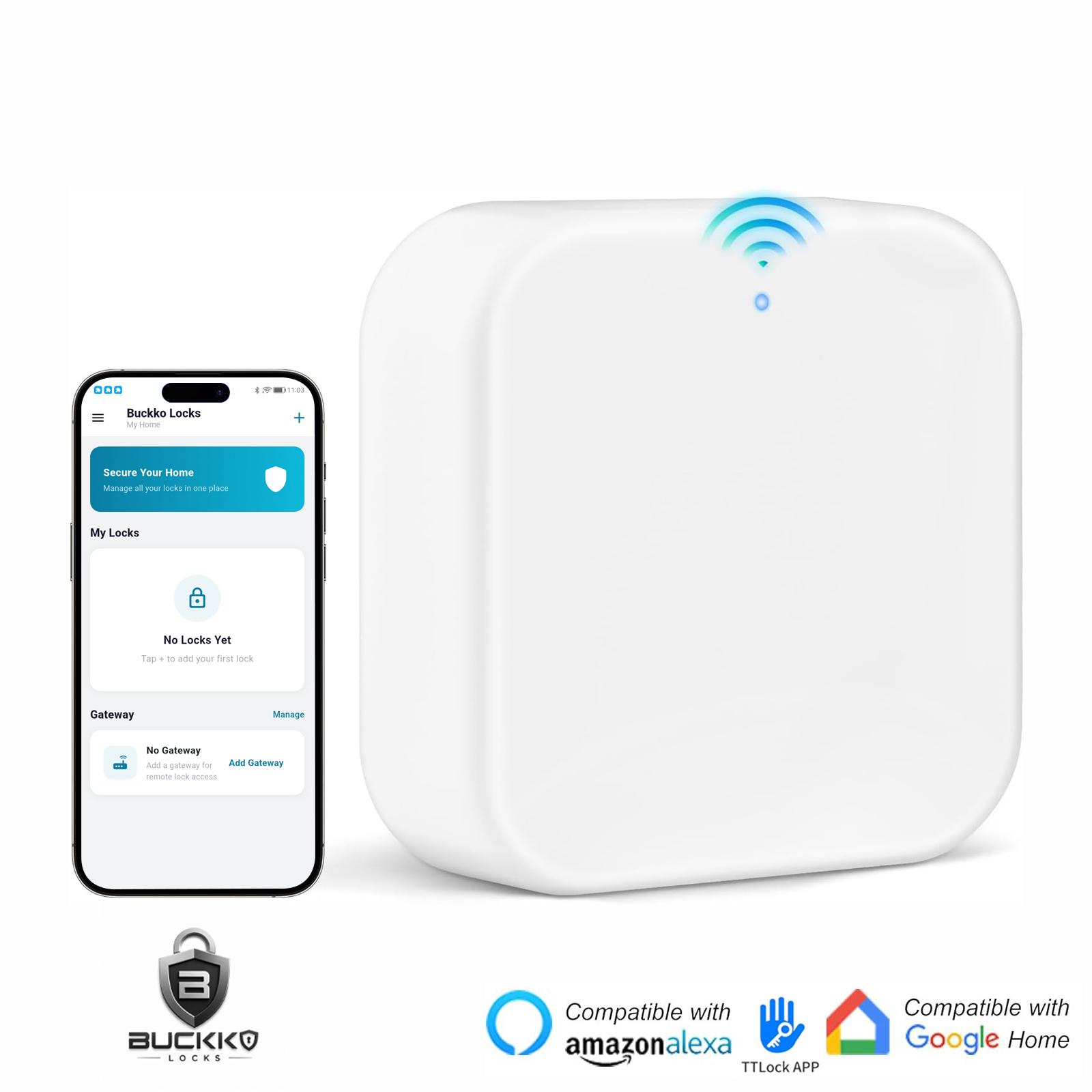
For remote access & voice control โ€” add a Wi-Fi Gateway (sold separately). This connects your lock to the internet so you can control it from anywhere.
Free Download

Take control from your pocket

Available on iPhone and Android. Free to download. No subscription required.

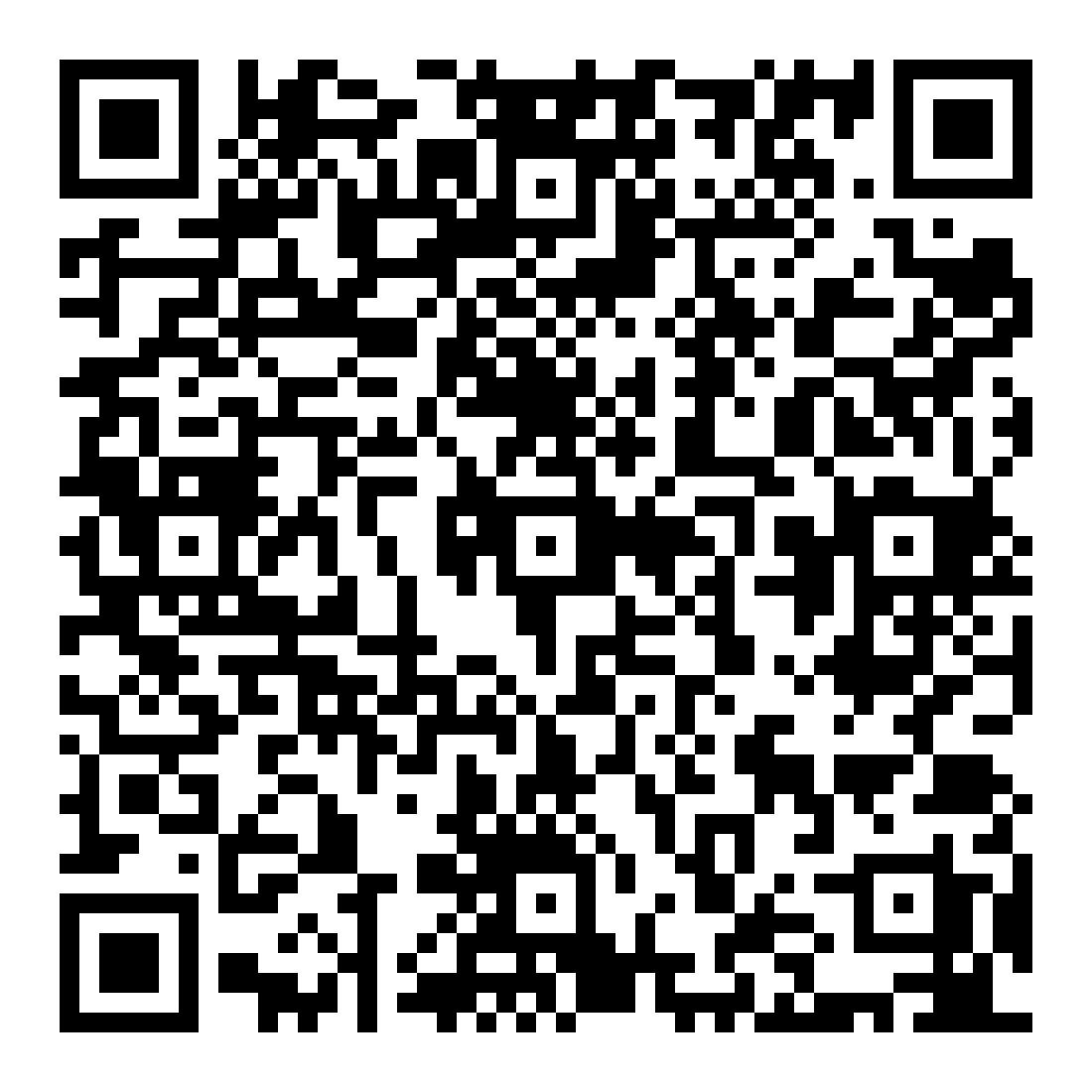
Scan to Download
Scan to download Buckko Locks on the App Store
App Store
Scan to download Buckko Locks on Google Play
Google Play
Point your phone camera at a code
Voice Control

Works with your smart home

Buckko Locks integrates seamlessly with Amazon Alexa and Google Home.

Amazon Alexa

Enable the TTLock skill in the Alexa app, log in with your Buckko Locks account, and start using voice commands.

  • ๐ŸŽค"Alexa, lock the front door"
  • ๐ŸŽค"Alexa, is the front door locked?"
  • ๐ŸŽค"Alexa, unlock the back gate"
Setup Guide โ†’

Google Home

Link via "ScienerSmart" in the Google Home app. All your locks appear automatically after signing in.

  • ๐ŸŽค"Hey Google, lock the front door"
  • ๐ŸŽค"Hey Google, is my home secure?"
  • ๐ŸŽค"Hey Google, unlock the garage"
Setup Guide โ†’
โš ๏ธ Gateway required โ€” A Wi-Fi gateway device must be connected to your lock for voice control and remote access to work.
FAQ

Common questions

For basic Bluetooth control (when you're near the lock), no Wi-Fi is needed. For remote access from anywhere and voice assistant control, you'll need a Wi-Fi gateway device connected to your home network.

No. The Buckko Locks app is completely free to download and use. There are no monthly fees or subscriptions. You only pay for the lock hardware.

You can share access with an unlimited number of users via the eKey feature. Each user can have permanent or time-limited access, which you can revoke at any time.

You can still open your lock using a keypad passcode (if your lock has one) or a physical backup key. We recommend setting up at least one passcode as a backup.

Yes. All communication between the app and your locks uses AES 256-bit encryption. Passwords are stored as one-way hashes and never transmitted in plain text.

Yes. Buckko Locks is available on both iOS (iPhone) and Android. Both apps have full feature parity.

Support

Need help?

Our Australian-based support team is here to help you get the most out of your Buckko Locks.

๐Ÿ“ง
๐ŸŒ
๐Ÿ“
Based In
Australia

Send us a message

Thanks! We'll be in touch soon.